
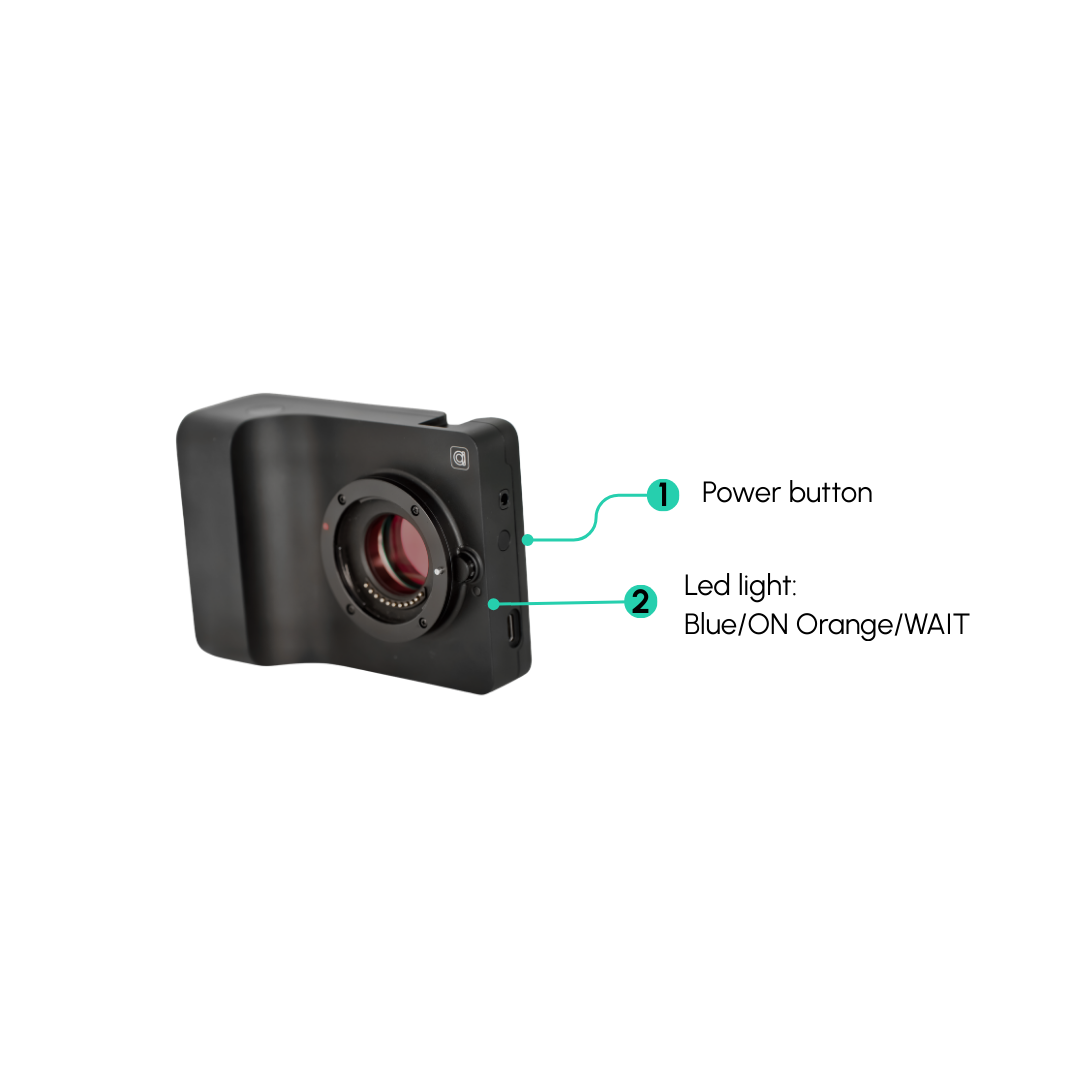
Getting started with Caira
Caira is only compatible with iOS.
Follow the simple steps below to activate Caira and start capturing.
1. Power on
⚠️ Make sure your camera has been charged for 2 hours
- Press and hold the power button
- Wait for the blue/green light to appear
Blue/Green light on? You're ready for the next step.
2. Download the Caira App
Search ‘ Caira ‘ in the app store
Tap the link to download the Caira App and set up an account.
⚠️ Caira will not function without the app.
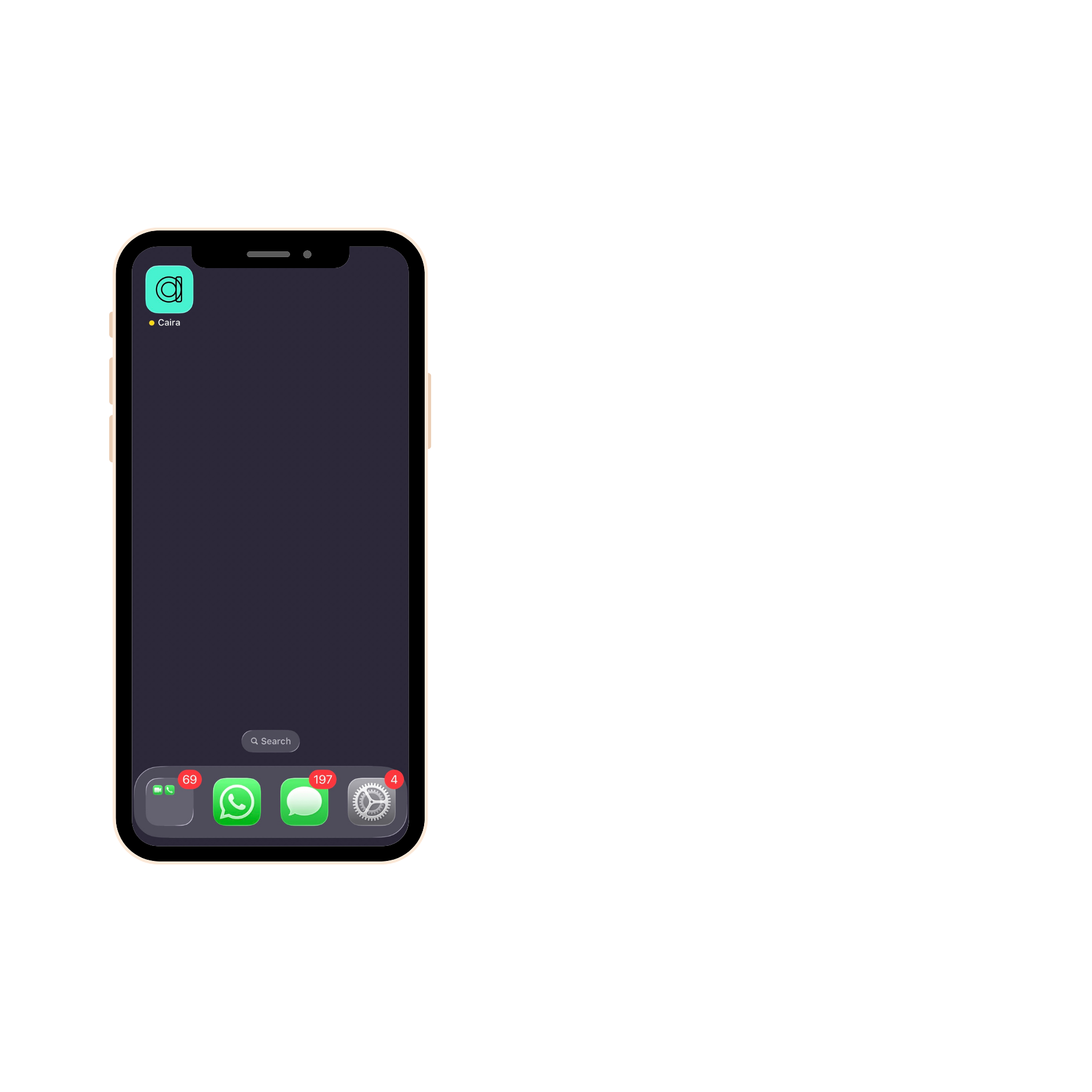
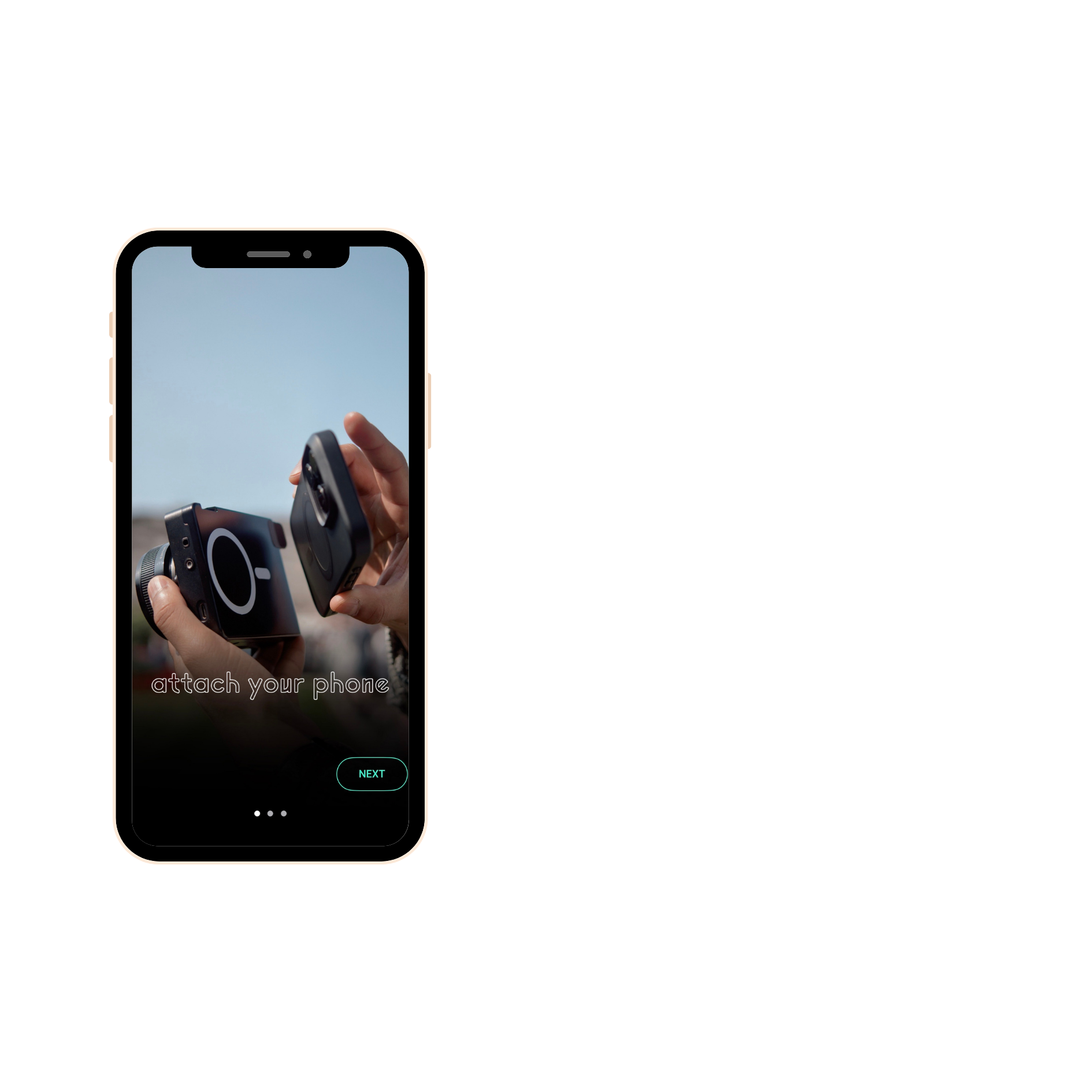
3. Connect to Caira
Open the app
Press next
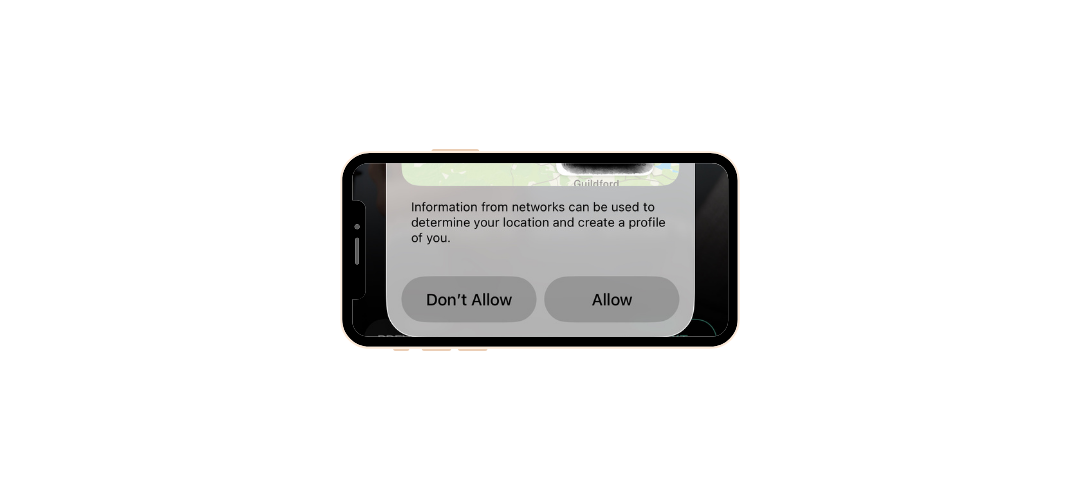
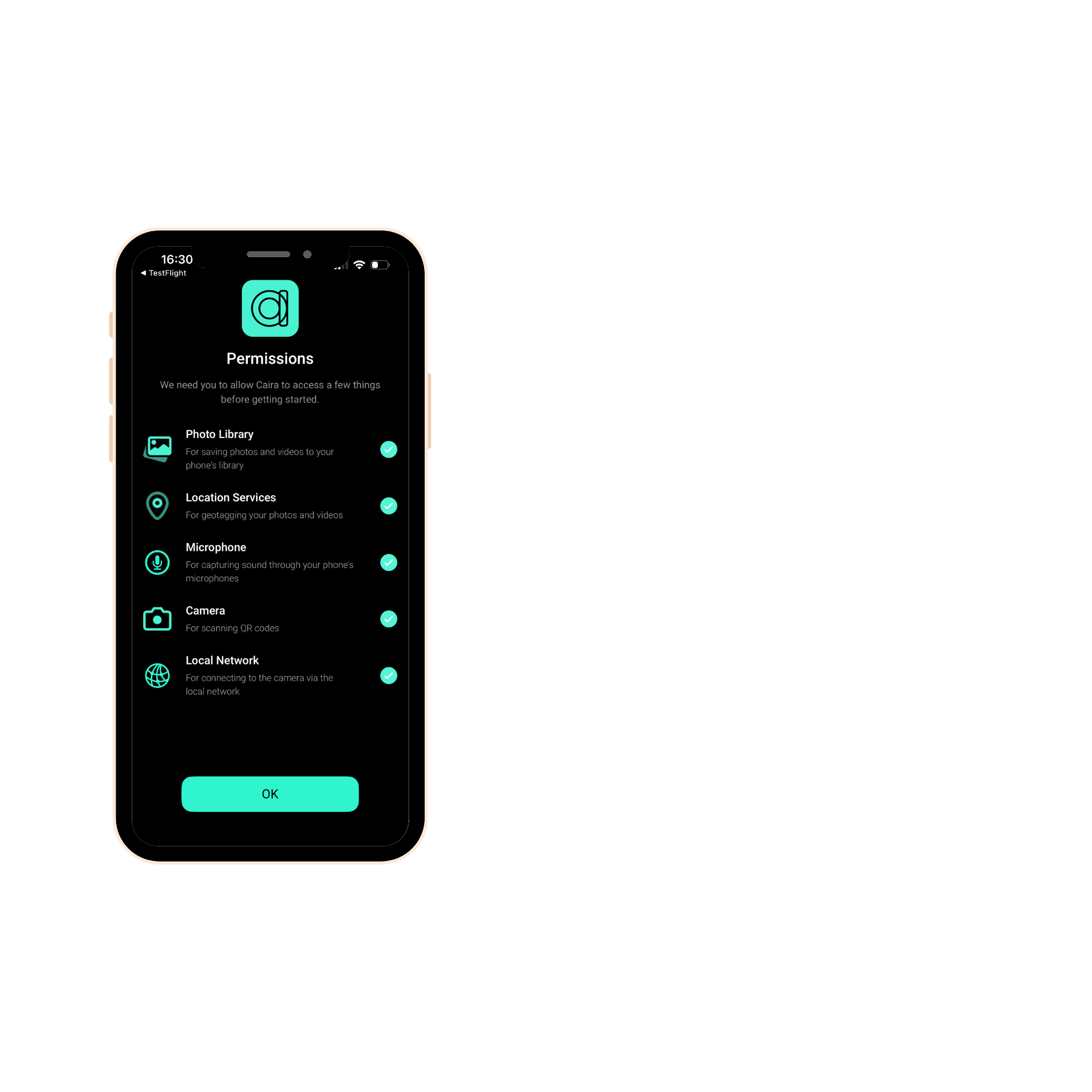
Press allow
Agree to all
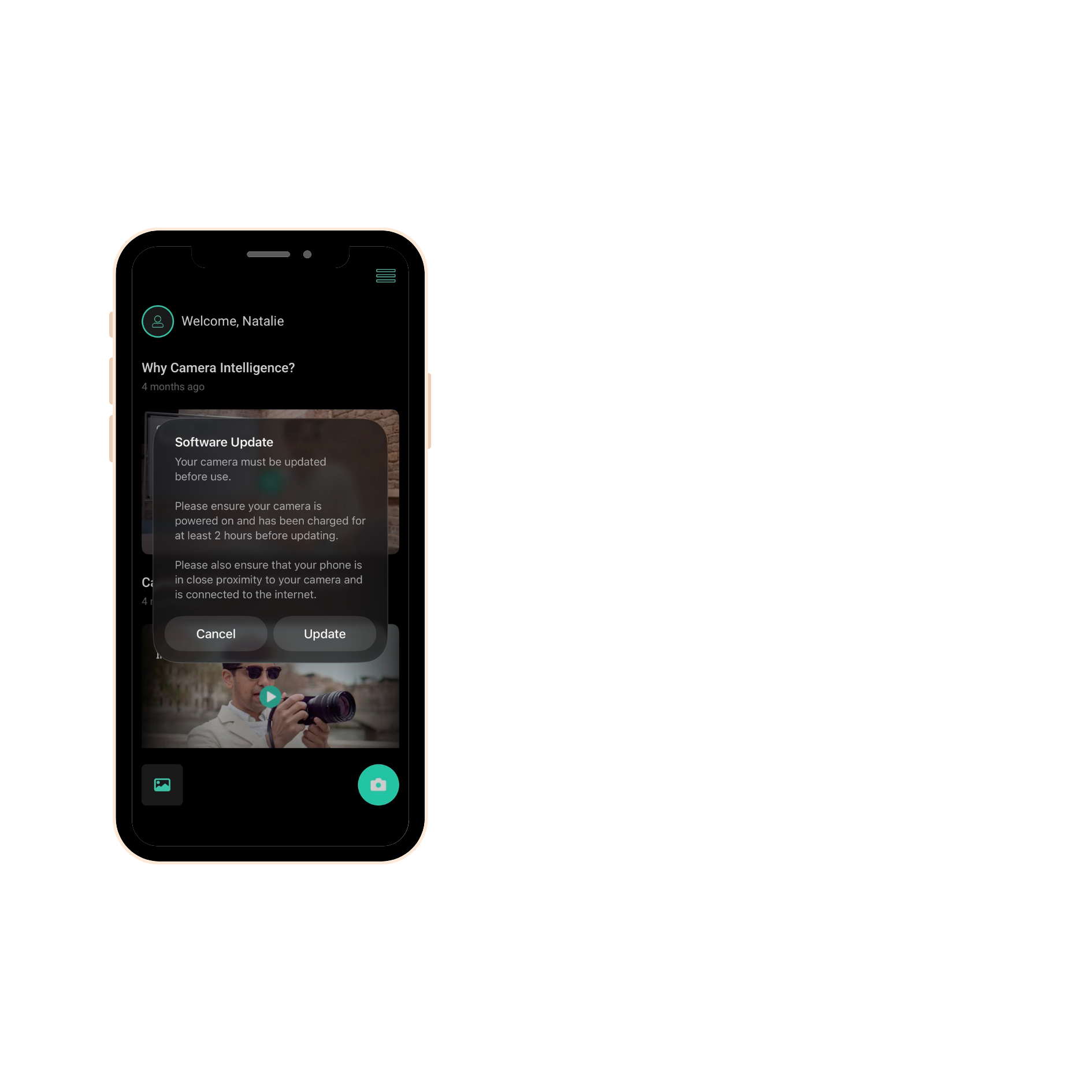
Press update
⚠️ Reminder make sure your camera has been charged for 2 hours
Now let's get you set up
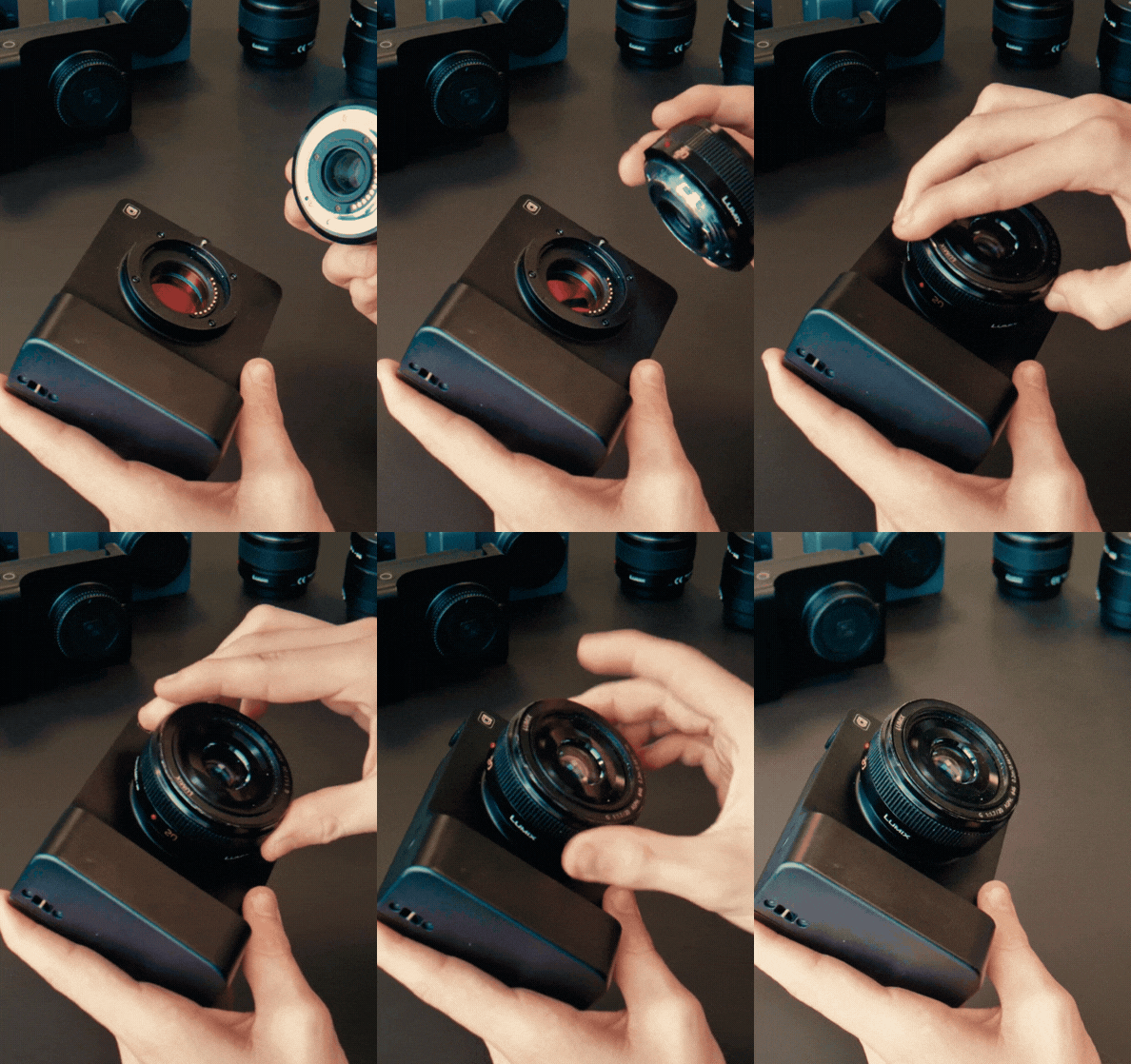
Attach the lens
Carefully twist the lens onto your Caira device until it feels secure.
4. Start capturing
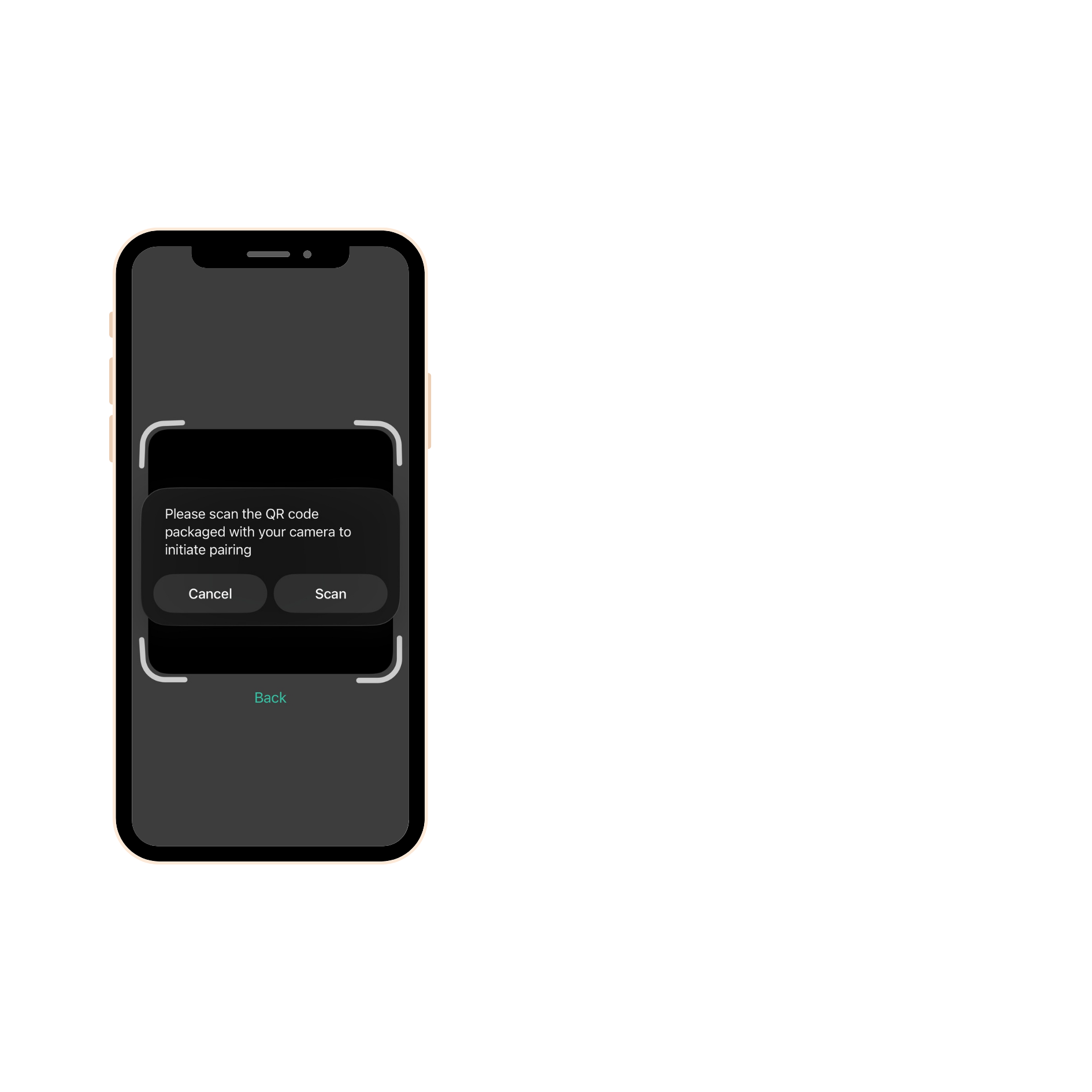
Press the camera icon
Scan your unique QR Code
⚠️ received either on email or in the box )
Watch Getting started with Caira
Kyle takes you through step-by-step